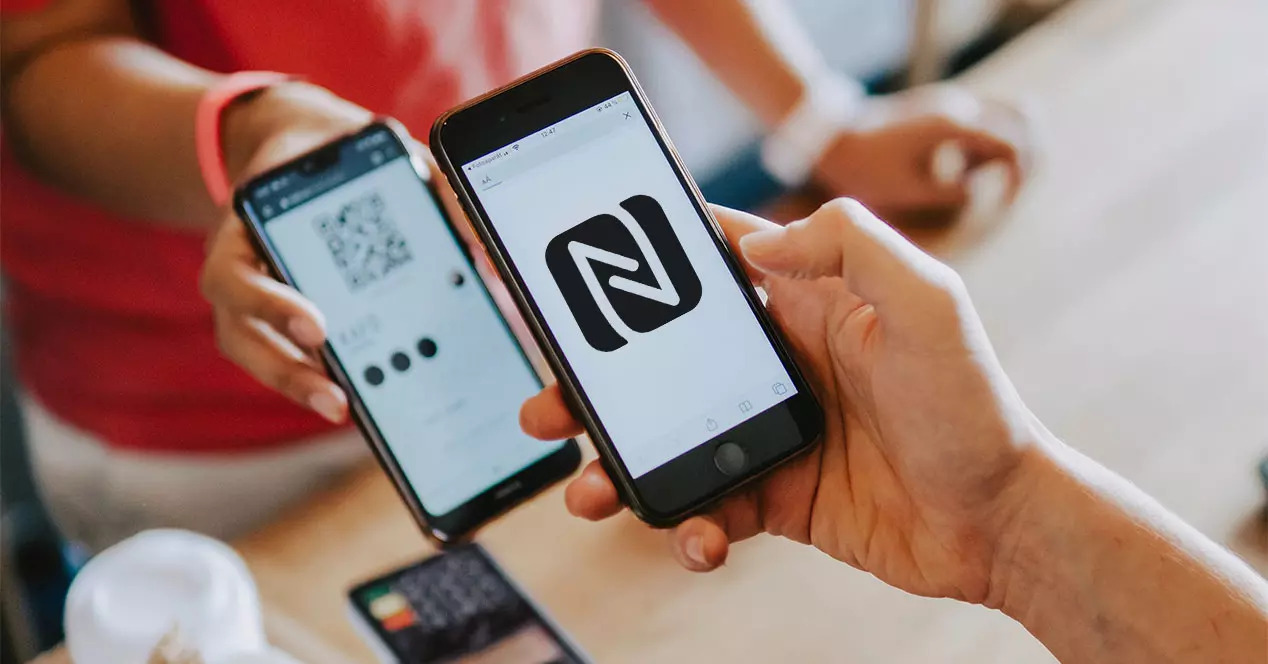
What is NFC communication technology?
Near Field Communication (NFC) allows wireless communication between two electronic devices that are close to each other. Officially, NFC can support distances of up to 1.5 inches, but in practice, it can be up to 4 inches.
Generally, this comes in two forms. Device to device communication or readable tags. While it is possible to get two devices to interact via NFC, there are generally better ways to achieve this either through physical cables or other wireless technologies such as Bluetooth or Wi-Fi.
However, contactless payments are facilitated via NFC. So, when you walk into your local store and pay with your phone using Google Pay or Apple Pay, the transaction begins via NFC.
So, the primary interaction method between a device like a smartphone and an NFC tag is readable. These tags are small, cheap and unpowered. This is made possible because the reading device, often your smartphone, can create a radio frequency (RF) field that will trigger the tag.
NFC connection compatibility?
Android devices have supported NFC since the early days of the smartphone, but Apple chose to block support on the iPhone. However, when the company unveiled Apple Pay, an NFC-enabled contactless payment system, it started including these wireless chips on iPhones.
Prior to iOS 11, the company was limited to only using Apple Pay. However, iPhone models from iPhone 7 and later running iOS 13 and up now support contactless payments, the ability to read NFC tags, and the ability to write them as well.
This brings the mobile platforms in line with each other, allowing you to use NFC on your Android smartphone or iPhone. However, the specifications of Android phones vary greatly, so NFC support is not guaranteed. This is especially true of the affordable end of the market, where other features are given priority.
Apps need to work via NFC
If you own an NFC compatible smartphone, you will need to purchase some NFC tags before you get started. There are many types of NFC tags available, ranging from affordable to expensive industrial use varieties.
To get the most out of the following NFC apps, you'll need to invest in a set of rewritable NFC tags. Although there are a wide range of tags available, the Timeskey NFC 10-Pack labels are great value, rewritable, and easy to place anywhere you need them.
You will also need to download the NFC tag writer app on your smartphone. iPhones that support NFC can read tags without additional software, but your experience on Android may vary.
There are many apps on the Google Play Store and the Apple App Store that can write tags, and one of the best options is the NFC TagWriter from NXP. The app is available for both mobile platforms Android | iOS and it's easy to use.
The best ways to use NFC communication technology
Once you have a compatible smartphone, rewritable NFC tags, and download a tag writing app, you can then start making the most of what NFC can offer. Since tags can be rewritten, you can experiment with your own auto-setup. However, there are plenty of uses for NFC that you can get started with right away.
1. Instantly connect to a Wi-Fi network via NFC
Wi-Fi passwords are long and complicated. This makes connecting to your network a pain. If you'd rather replace this complicated process with a single click, you can write your Wi-Fi password to an NFC tag. Android and iOS support this feature, so tapping on the flag will pre-populate your Wi-Fi connection details and get you online without any fuss.
2. Use NFC technology as a wake-up alarm
Getting up in the morning can be quite a challenge. For some people, even the most relentless stimulus doesn't help. In this case, consider using an NFC tag to motivate you to get out of bed instead. Apps like Sleep As Android integrate alerts with NFC tags, through the use of in-app captchas.
These are intended to verify that you have acted by making you interact with a physical item. Use the app to type in an NFC-based captcha, then the only way to disable the alarm is to get out of bed, find the NFC sticker, and tap your phone against it.
3. Direct any user to a website via NFC technology
There may be times when you want to direct someone to a specific website. This can be a little tricky, especially if it's not a simple website address. Instead of them typing a long random URL, you can write the URL to an NFC tag. When clicked, it loads the user's mobile browser and directs them directly to your desired site.
4. Enter driving mode automatically via NFC
iPhone users know that when they get into the car and connect to the in-car entertainment system, their phone will automatically enter driving mode. This silences notifications and improves your preparation for your trip. Although some Android smartphones can do this, the majority do not.
If you prefer to automate this process, you can write tasks to an NFC tag. When placed inside a car, a tap on your phone can trigger actions like enabling Do Not Disturb, turning data on or off, and opening your navigation app.
Some NFC tag writing apps, like Trigger on Android, let you set up a toggle to reverse actions. So, the first tap will enable driving mode, while the second can disable it and return your phone to normal operations.
5. Use of NFC payment services
As mentioned earlier, NFC enables contactless payments when using services such as Google Pay or Apple Pay. In many places around the world, contactless payments are becoming popular. In fact, in many food and convenience stores in the United States, contactless payment is the preferred method of payment.
Both Apple Pay and Google Pay allow you to track your spending, analyze your habits, and store coupons. Plus, choosing NFC payments means you no longer need to carry around other payment methods besides your phone.
6. Automate common phone tasks via NFC
Android and iOS now have ways to automate mundane tasks, but they don't always provide the kind of flexibility you're looking for. With NFC, you can set up shortcuts for actions like calling a specific friend or family member, opening the camera, or launching your favorite streaming service while leaving the house.
7. Post visual content via NFC technology
If you make videos for YouTube, stream on Twitch, or release music on Spotify, one of the biggest challenges is getting people to watch your content in the first place. You can overcome this hurdle with NFC.
It is possible to include a link to your business in an NFC tag and then stick it strategically in a place that will attract people. Just be sure to explain what's on the tag, as people may be wary of NFC's notable security issues.
In the end, these were the tasks and basics that you should know about NFC communication technology and how you can benefit from it. I hope that the article will benefit you.